How Much RAM and Storage Do You Actually Need in a Phone in 2026?
Phone spec sheets throw out RAM and storage numbers like they're all the same currency — 8GB here, 256GB there — but the honest truth is that most buyers pick a tier based on price anxiety rather than any real understanding of what the number actually changes day to day. That's a reasonable way to overspend by $100-200 on capacity you'll never touch, or worse, to underspend and regret it eighteen months later when your phone starts stuttering every time you switch apps. The right number depends less on brand loyalty and more on three boring but decisive habits: how many apps you keep open at once, how you shoot and keep photos and video, and how long you plan to actually keep the phone.
What RAM actually does on a modern phone
RAM is not storage — it's temporary working memory the phone uses to keep apps ready to resume instantly instead of reloading from scratch. When you swipe away from a messaging app to check a map and then swipe back, RAM is why the messaging app reappears exactly where you left it instead of restarting. The more RAM a phone has, the more apps it can keep suspended in that ready state simultaneously, which matters enormously if you're a habitual multitasker who bounces between a dozen apps in a session, and barely matters if you mostly use one or two apps at a time.
Modern flagships like the iPhone 16 Pro and Samsung Galaxy S24 ship with 8GB as a practical baseline, and that's genuinely enough for the overwhelming majority of daily use, including fairly aggressive multitasking. Where more RAM starts to matter is a narrower set of cases: on-device AI features that need to hold a language model in memory alongside your open apps, heavy mobile gaming with large texture caches, or professional camera apps that buffer multiple frames of raw sensor data at once. If none of that describes you, 8GB is not a compromise — it's simply enough.
Storage is where the real money gets wasted, in both directions
Storage tiers usually jump in big increments — 128GB, 256GB, 512GB, sometimes 1TB — and each step up costs disproportionately more than the raw memory itself is worth, because manufacturers know storage anxiety sells upgrades. The mistake most buyers make is estimating their needs based on how big their current phone's storage feels, rather than on what actually fills it. Look at your current phone's storage breakdown before you buy the next one: if photos and video dominate, your usage pattern is predictable and scales linearly. If it's mostly apps and games, it plateaus much sooner than people expect, because very few people install more than 60-80 apps they actually use regularly.
Video is the real storage killer, not photos. A single minute of 4K video at 60 frames per second can run 400-600MB depending on the phone, and if you record even a few minutes a week for a couple of years, that adds up to tens of gigabytes that quietly accumulate and never get reviewed or deleted. Photos, even in high-resolution modes from today's flagship camera phones, are comparatively tiny — a single 50-megapixel photo is typically 15-25MB. If you shoot mostly stills and rarely record long video, you can comfortably run a 128GB phone for years. If 4K or slow-motion video is a regular habit, 256GB is the realistic minimum, and 512GB removes the anxiety entirely.
Cloud backup changes the math, but not as much as people assume
iCloud, Google Photos, and Samsung Cloud all offer to quietly upload your media and free up local space, and for photos this works reasonably well. But cloud backup is not the same as unlimited local storage: most people still keep their camera roll's most recent weeks or months cached locally for fast access and editing, and cellular data caps or spotty connectivity mean the "just stream it from the cloud" plan breaks down exactly when you're traveling and taking the most photos. Cloud backup is a genuinely good safety net and a way to avoid ever losing photos to a lost or broken phone, but it should be treated as insurance, not as a substitute for buying enough local storage that your phone never nags you about space during the moments you actually want to capture something.
Foldables and gaming phones break the normal rules
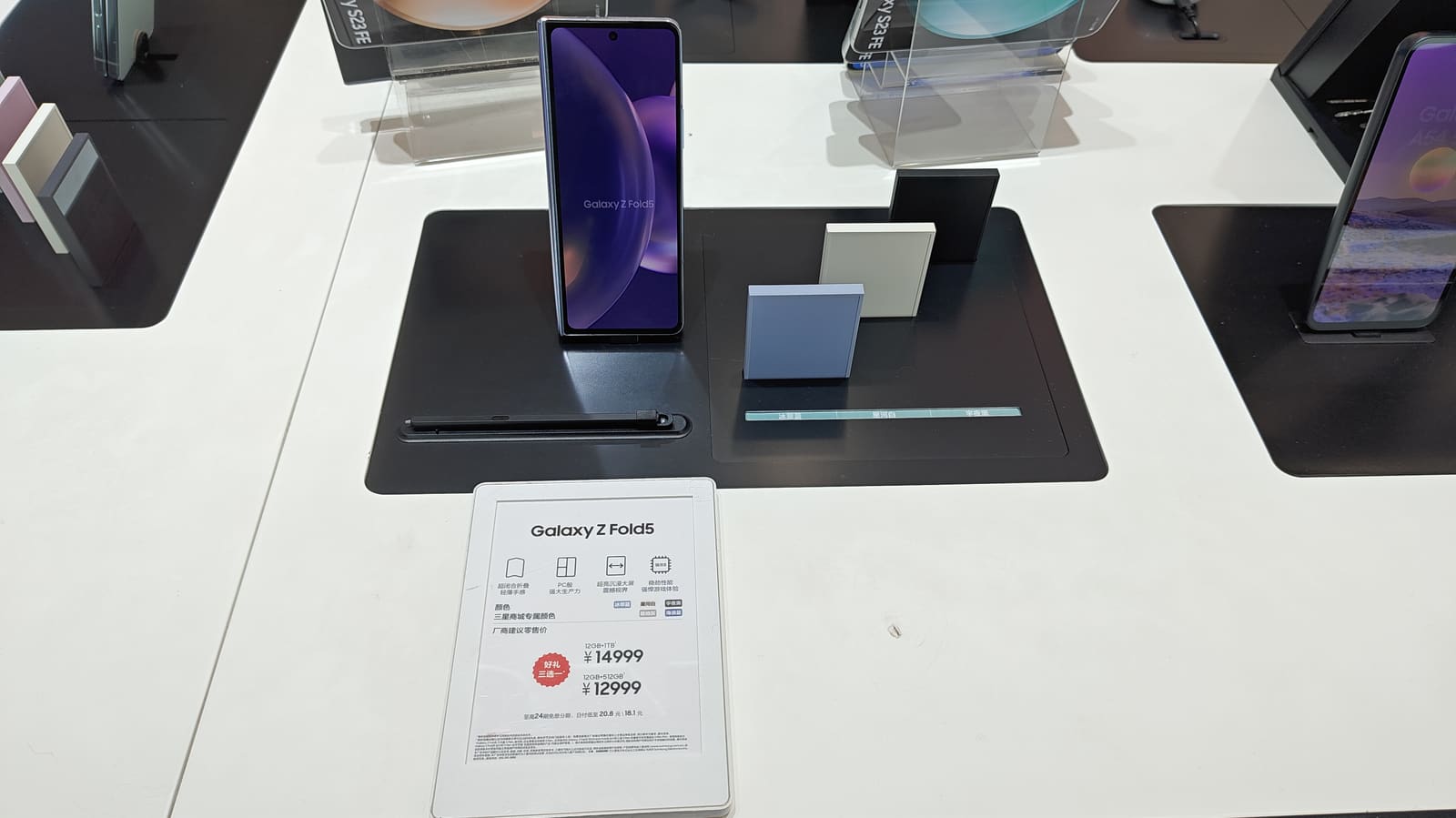
Foldable phones like those compared in our Galaxy Z Fold vs Pixel Fold piece are a special case worth calling out separately: their larger inner displays encourage more multitasking (split-screen apps, more browser tabs, more simultaneous windows), which pushes real-world RAM usage noticeably higher than a standard slab phone at the same price point. If you're buying a foldable specifically to use that multi-window capability rather than just for the novelty of the hinge, treat 12GB of RAM as the practical floor rather than a luxury option. The same logic applies to phones marketed for gaming: higher RAM keeps more game assets cached, which reduces the stutter and reload pauses that happen when a phone has to swap data in and out of a smaller memory pool mid-session.
A simple framework instead of chasing the biggest number
Skip the spec-sheet comparison shopping and instead answer three questions honestly. First, do you routinely keep ten or more apps open and switch between them constantly, or check email/messages/maps/music all within the same few minutes? If yes, prioritize RAM over the base-tier option. Second, do you shoot 4K or slow-motion video regularly, or mostly take quick stills and screenshots? Video habits should decide your storage tier almost by themselves. Third, how long do you actually keep phones before upgrading — one cycle of roughly two years, or do you tend to hand phones down or keep them three-plus years? The longer you keep a phone, the more storage headroom is worth paying for up front, since retrofitting more space later isn't possible on a sealed device the way it once was on phones with microSD slots.
None of this requires buying the top-tier configuration "to be safe." Overbuying storage is one of the most reliable ways to overpay on a phone purchase, and the resale value difference between a 128GB and 512GB model rarely recovers the premium you paid at checkout. Buy for your actual habits, not for a hypothetical future self who suddenly starts shooting cinema-grade 4K video every day.