What Alexa Actually Does as a Smart Home Hub (Beyond Playing Music)

Most people meet Alexa as a voice that plays music and sets timers, but that's a small fraction of what the assistant actually does once it's installed as the control layer for a smart home. Amazon has spent close to a decade turning Alexa from a novelty speaker feature into a genuine home automation hub, and the gap between what it's capable of and what most owners actually use is large. Here's what Alexa does beyond the basics, how it compares to the alternatives, and where its limits actually are.
Alexa as a device controller, not just a voice
The core of Alexa's smart home function is device control: lights, plugs, thermostats, locks, cameras, and sensors from hundreds of third-party manufacturers can be linked to an Amazon account and controlled by voice, by app, or automatically through routines. This works through "skills" — Alexa's term for the integrations that let it talk to a given brand's hardware — and the ecosystem is large enough that most mainstream smart home products list Alexa compatibility as a baseline requirement rather than an optional extra. That breadth is Alexa's biggest practical advantage over more closed ecosystems: a household that's mixed and matched smart plugs, a robot vacuum, and a video doorbell from different brands over several years is more likely to find they all speak to Alexa than to any single competing platform.
Routines are where the real automation happens
The feature that separates a smart speaker from a smart home hub is routines — chains of actions triggered by a single voice command, a schedule, or a sensor event. A single phrase like "good morning" can be set up to raise the thermostat, turn on the kitchen lights, read out the day's weather and calendar, and start the coffee maker if it's smart-plug connected, all without touching a single app. Routines can also run automatically: a door sensor can trigger porch lights at dusk, or a motion sensor can silence itself during a "do not disturb" period. Building useful routines takes some upfront setup work in the Alexa app, and it's the single biggest reason people who only ever ask Alexa to play music are getting a fraction of the value out of the hardware they've bought.
Alexa+ and the shift toward conversational control
Amazon's more recent push has been toward a more conversational version of the assistant, generally branded Alexa+, which handles multi-step and follow-up requests more naturally than the original command-and-response Alexa did. Instead of needing an exact phrase, the newer conversational layer can handle requests like asking it to dim the lights "a bit more" after an initial command, or asking what's currently turned on around the house, and get a sensible answer without a rigid script. This is part of a broader industry shift — Google and Apple have made similar moves with their own assistants — toward voice control that tolerates natural, imprecise language rather than requiring memorized commands.
The privacy tradeoffs are real and worth understanding
Any always-listening device raises legitimate privacy questions, and Alexa is no exception. Amazon has faced scrutiny and regulatory action over how voice recordings were stored and used, and the company has since added more granular controls: recordings can be set to auto-delete on a schedule, voice history can be reviewed and deleted in the app, and a microphone-off hardware switch exists on every Echo device for anyone who wants a hard guarantee. Anyone building out a full Alexa-based smart home, especially one that includes cameras or door locks, should spend the ten minutes it takes to review these settings rather than accepting the defaults — the level of data retention Alexa uses out of the box is more permissive than many users realize.
Where Alexa struggles compared to the alternatives
Alexa's biggest structural weakness is that it's a proprietary Amazon system layered on top of the industry's Matter smart home standard rather than a native implementation of it, which occasionally shows up as compatibility quirks or delayed feature support compared to platforms built around Matter from the ground up. It also lags Google's assistant in general knowledge and web-search-style questions, and lags Apple's Siri-plus-HomeKit combination on privacy-by-design guarantees for anyone deeply invested in the Apple ecosystem already. None of these are dealbreakers for most households, but they matter if you're choosing a primary hub from scratch rather than building around hardware you already own.
How it compares to the other major hubs
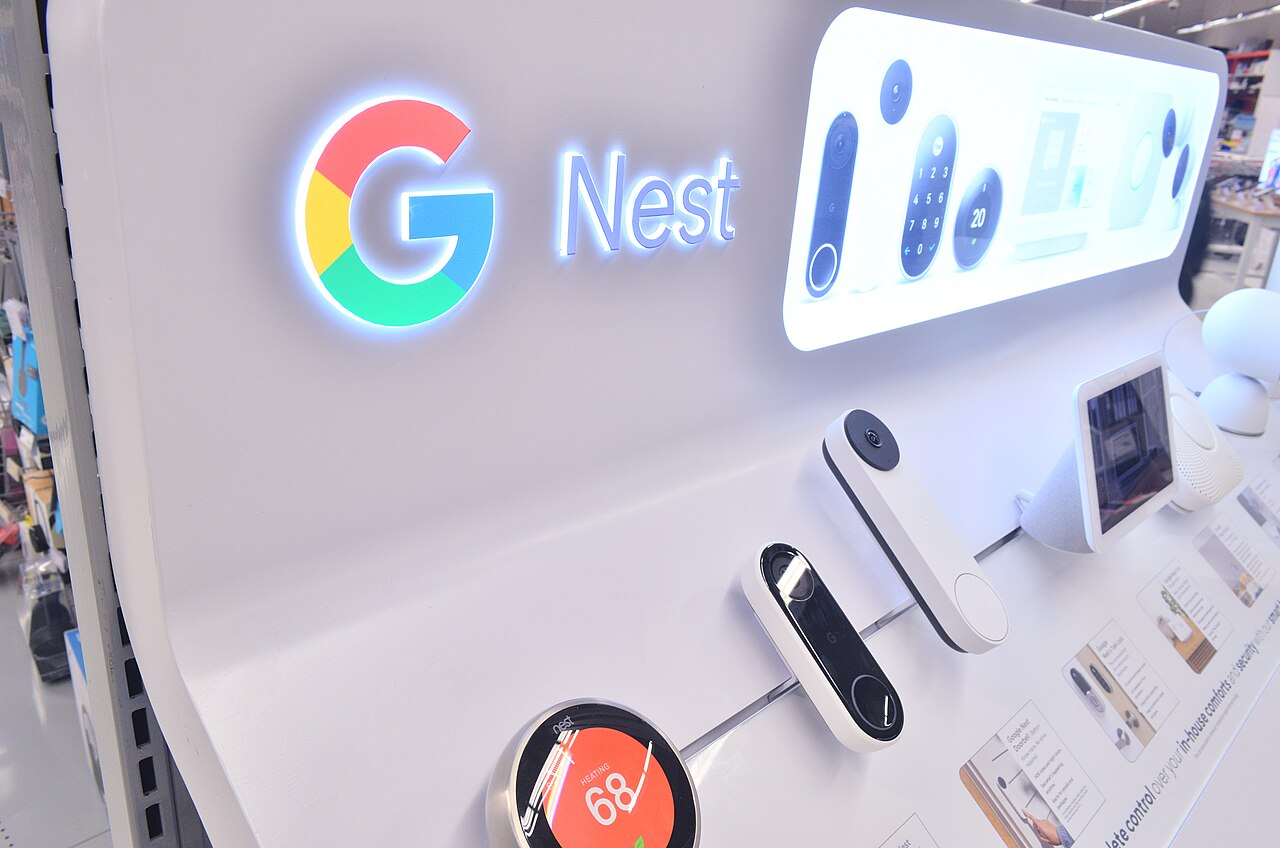
Amazon's closest direct competitor is Google's Nest ecosystem, which offers a similar breadth of third-party device support with a different assistant personality and a tighter integration with Android phones specifically. Choosing between the two often comes down less to raw feature lists and more to which phone platform and existing smart devices a household already has, a tradeoff covered in more detail in a direct comparison of Ring's ecosystem against a single-hub Alexa setup. For households trying to future-proof their choice against any single company's walled garden, it's also worth understanding how the cross-platform Matter standard is meant to make devices work across Alexa, Google, and Apple simultaneously, reducing how much any one ecosystem choice locks you in long-term.
Getting more out of an existing Alexa setup
For anyone who already owns Echo hardware and wants to use more of what it offers, the practical starting point is the Alexa app's routines section rather than buying more devices. Auditing what's already connected, building two or three routines around genuinely repetitive daily actions, and reviewing the privacy and recording settings covers most of the gap between "smart speaker that plays music" and the fuller smart-home hub Amazon actually built. The hardware capability is usually already there; what's missing in most homes is the twenty minutes of setup that makes it work automatically instead of requiring a voice command every time.
Multiple Echo devices and whole-home coverage
Households with more than one Echo device get an additional layer of functionality that single-speaker owners miss entirely: multi-room audio grouping, drop-in intercom calling between rooms, and location-aware routines that can trigger differently depending on which Echo heard the command. A "goodnight" routine triggered from a bedroom Echo can be set to behave differently than the same phrase said in the living room, locking doors and arming cameras only when it's clearly the last command of the night. This kind of room-level awareness is easy to overlook when shopping for a single starter speaker, but it becomes one of the more useful features in any home that grows past its first Echo device, and it's part of why Amazon has historically bundled multi-packs at a discount rather than selling every unit at full individual price.